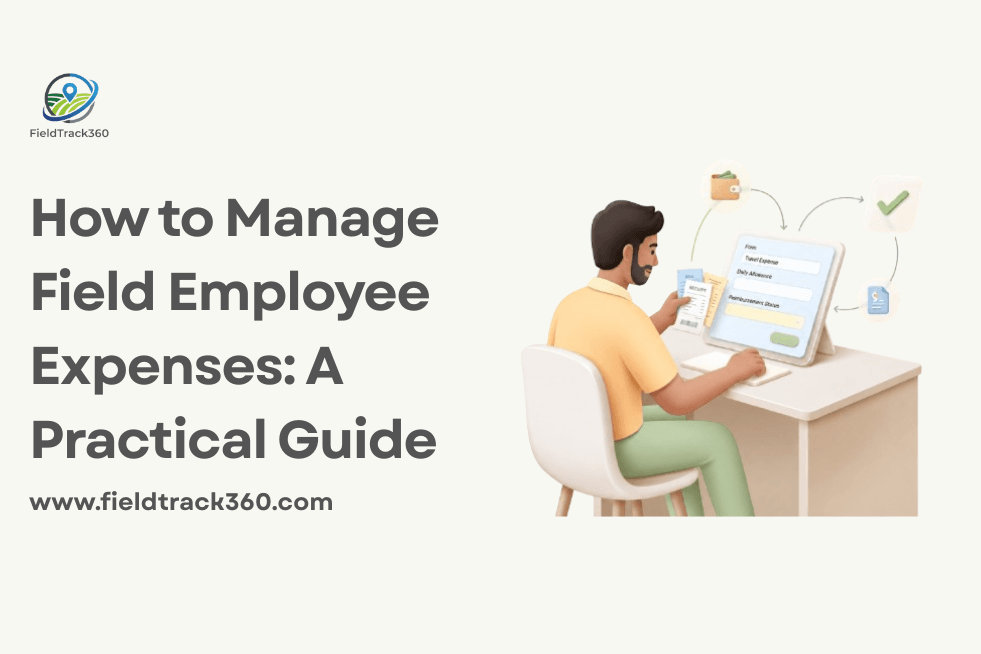
Managing expenses for field employees can become difficult when teams are travelling between customer locations and handling expenses throughout the day. Fuel, travel, meals, accommodation, and other work related costs can quickly add up and become difficult to track.
A clear expense policy, simple submission process, proper receipt records, and timely approvals can make expense management much easier. Businesses can also use expense management software to reduce manual work and keep expense data organised.
In this guide, we will cover practical ways to manage field employee expenses, from setting spending limits and collecting receipts to approving claims, tracking reimbursements, and reviewing expense reports.
How to Manage Field Employee Expenses Effectively
A clear process helps businesses record, review, approve, and track field employee expenses without unnecessary manual work. Here are practical steps to manage field expenses more effectively.
1. Create a Clear Field Expense Policy
Set clear rules for which expenses field employees can claim and how they should submit them. Include expense categories, spending limits, required receipts, and submission deadlines.
A simple policy reduces confusion, prevents inconsistent claims, and makes it easier for managers to review expenses.
2. Define Expense Categories and Spending Limits
Group field expenses into clear categories such as fuel, travel, meals, accommodation, and other work related costs. Set reasonable spending limits for each category based on the employee’s role, territory, and type of field work.
Clear limits help employees understand what they can claim and help managers identify expenses that need further review before approval.
3. Make Expense Submission Simple
Field employees should be able to record expenses without waiting until the end of the day or maintaining separate notes. A simple mobile based process allows them to enter the amount, expense category, date, and other required details while they are in the field.
Keeping expense submission quick and straightforward improves record accuracy and reduces the chances of expenses being forgotten or submitted late.
4. Require Receipts and Supporting Documents
Ask employees to attach receipts or bills when submitting expenses. The record should include important details such as the amount, date, expense category, and reason for the expense.
Keeping supporting documents with each expense makes claims easier to verify and helps managers identify incorrect or incomplete submissions before approval.
5. Set Up a Clear Approval Process
Define who reviews and approves field employee expenses and what information they need to check before approving a claim. Larger teams may also need different approval levels based on expense type or amount.
A clear approval process reduces delays and helps businesses verify expenses before reimbursement. Employees should also be able to see whether a claim is pending, approved, or rejected.
6. Track Reimbursements and Pending Claims
Keep a clear record of submitted, approved, rejected, and reimbursed expenses. This helps managers know which claims still need attention and prevents approved expenses from being overlooked.
Employees should also be able to check the status of their claims. A clear reimbursement process reduces follow up work and helps avoid delays in employee payments.
7. Review Expense Reports Regularly
Review field expense data regularly to understand where the business is spending money. Look for unusual claims, repeated high expenses, rising travel costs, and spending that falls outside the defined limits.
Regular expense reports can also help managers compare spending across employees, teams, territories, or expense categories. This makes it easier to identify unnecessary spending and find ways to control operational costs.
8. Use Expense Management Software for Field Teams
Managing expenses through spreadsheets, messages, and paper receipts can become difficult as the field team grows. Expense management software can simplify submission, receipt collection, approvals, reimbursement tracking, and reporting in one place.
For field teams, mobile access is especially useful because employees can record expenses while they are travelling or visiting customers. Managers can then review claims and expense data without depending on manual updates.
How FieldTrack360 Helps Manage Field Employee Expenses
FieldTrack360 helps businesses manage field employee expenses from submission to approval and reporting. Employees can record expenses, add receipts, and submit claims from the field.
Managers can review expense claims, follow approval workflows, and track submitted and approved expenses from one place. Expense reports also help businesses review spending by category and identify areas where costs can be controlled.
This gives businesses better visibility into field expenses while reducing the manual work involved in collecting, checking, and managing expense records.
Ready to Simplify Field Expense Management?
Manage field employee expenses, receipts, approvals, and expense reports from one platform with FieldTrack360.
Book a Free Demo